Reseat laptop RAM
Use this after the external monitor test shows no image on any screen, or when fans and LEDs respond without a BIOS/logo. HP blank-screen flows include memory component tests; reseating is the DIY equivalent before board service.
When to reseat
- External monitor stays dark after Win+P, cable swaps, and graphics reset.
- Machine was recently moved, upgraded, or opened.
- Intermittent POST: sometimes logo, sometimes black forever.
Reseat steps
Step 1. Shut down and remove power
Shut down Windows if you can see it on any display. Unplug AC. Remove a user-removable battery if your model has one. Hold the power button 10–15 seconds to discharge residual power before opening the cover.
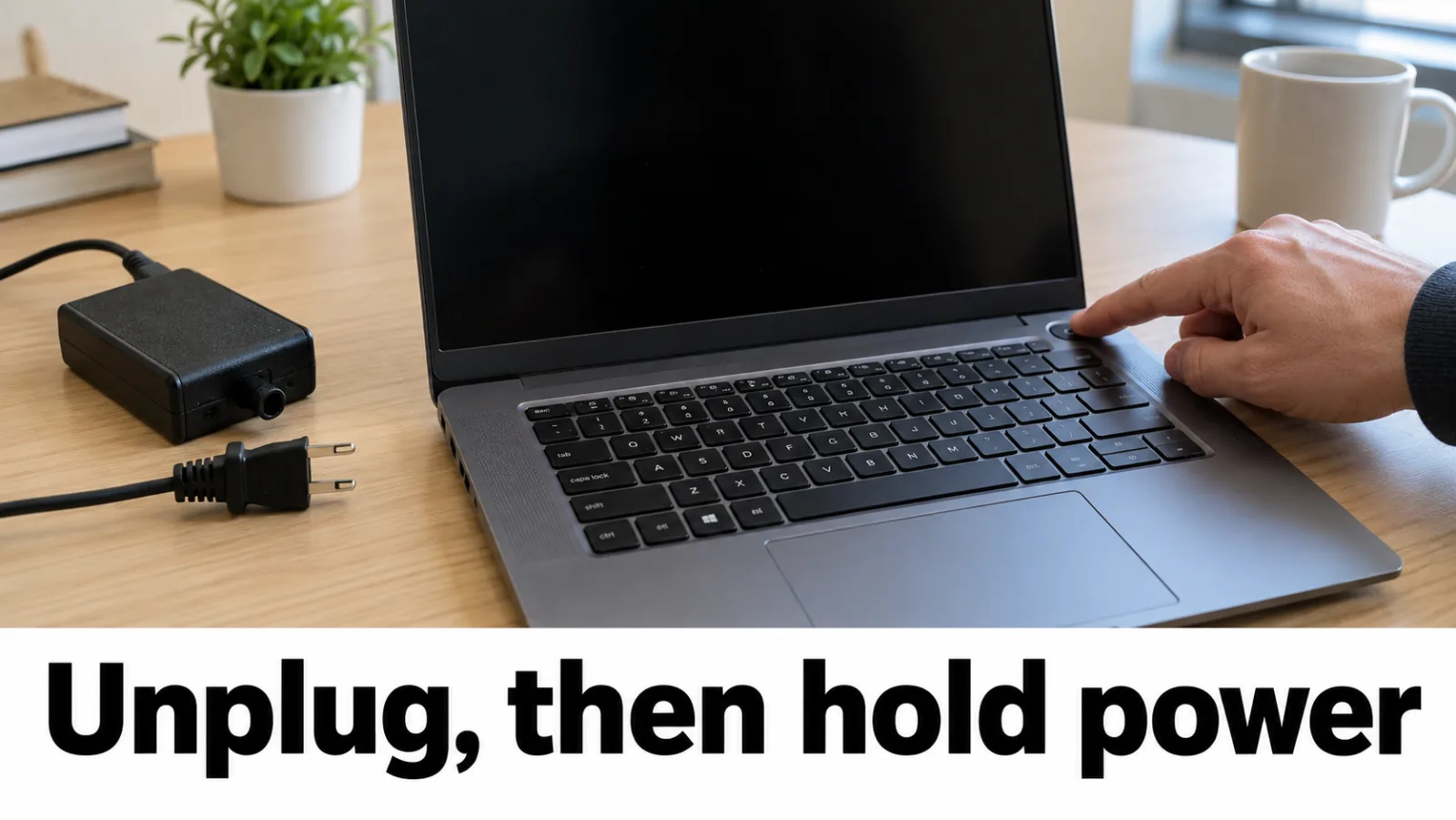
Step 2. Open the memory access panel
Open the HP, Dell, or Lenovo service PDF for your exact product or service tag. Remove only the screws for the memory door or the bottom cover steps that expose SODIMM slots. Do not pry speaker modules or glued battery packs.
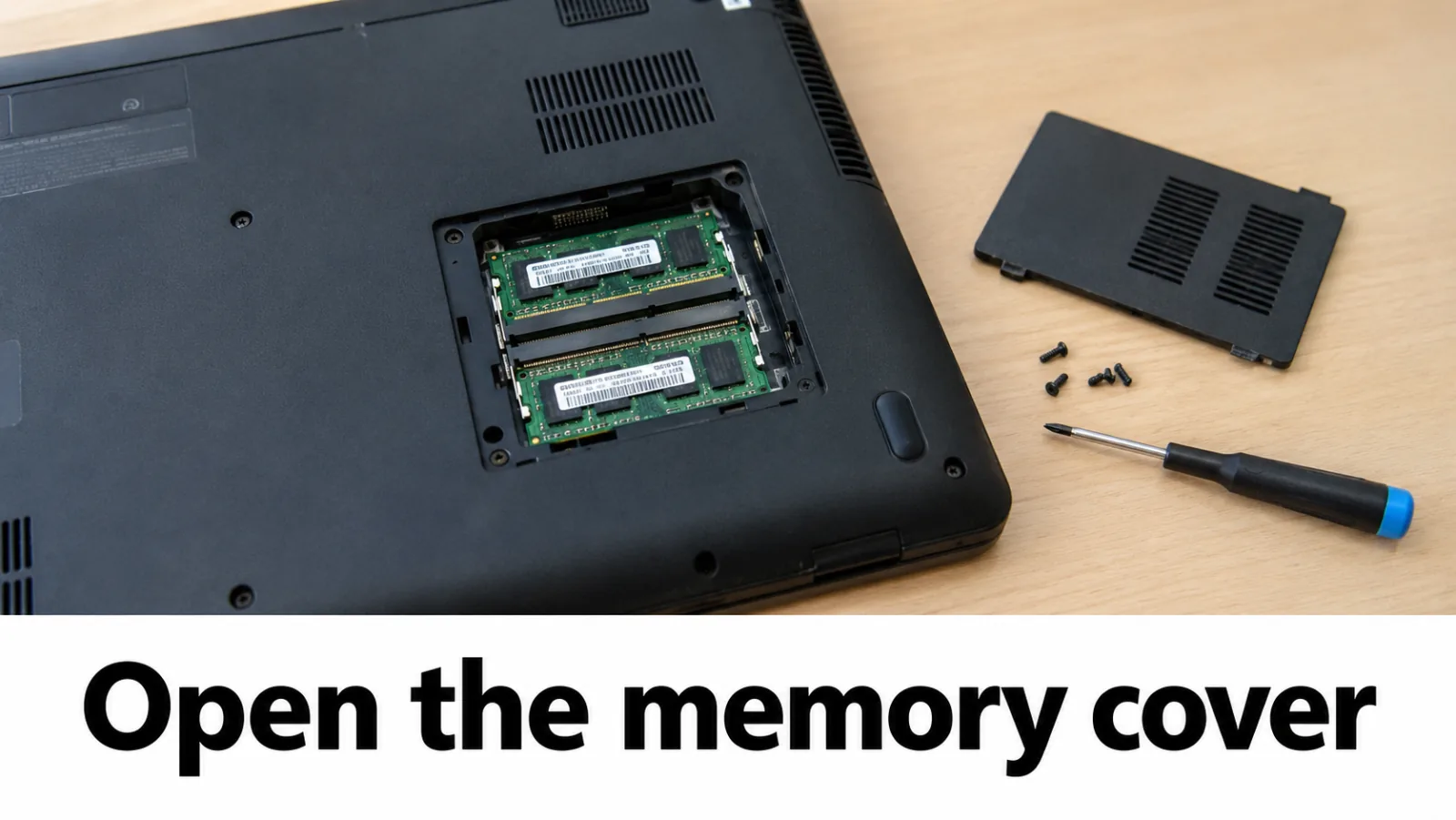
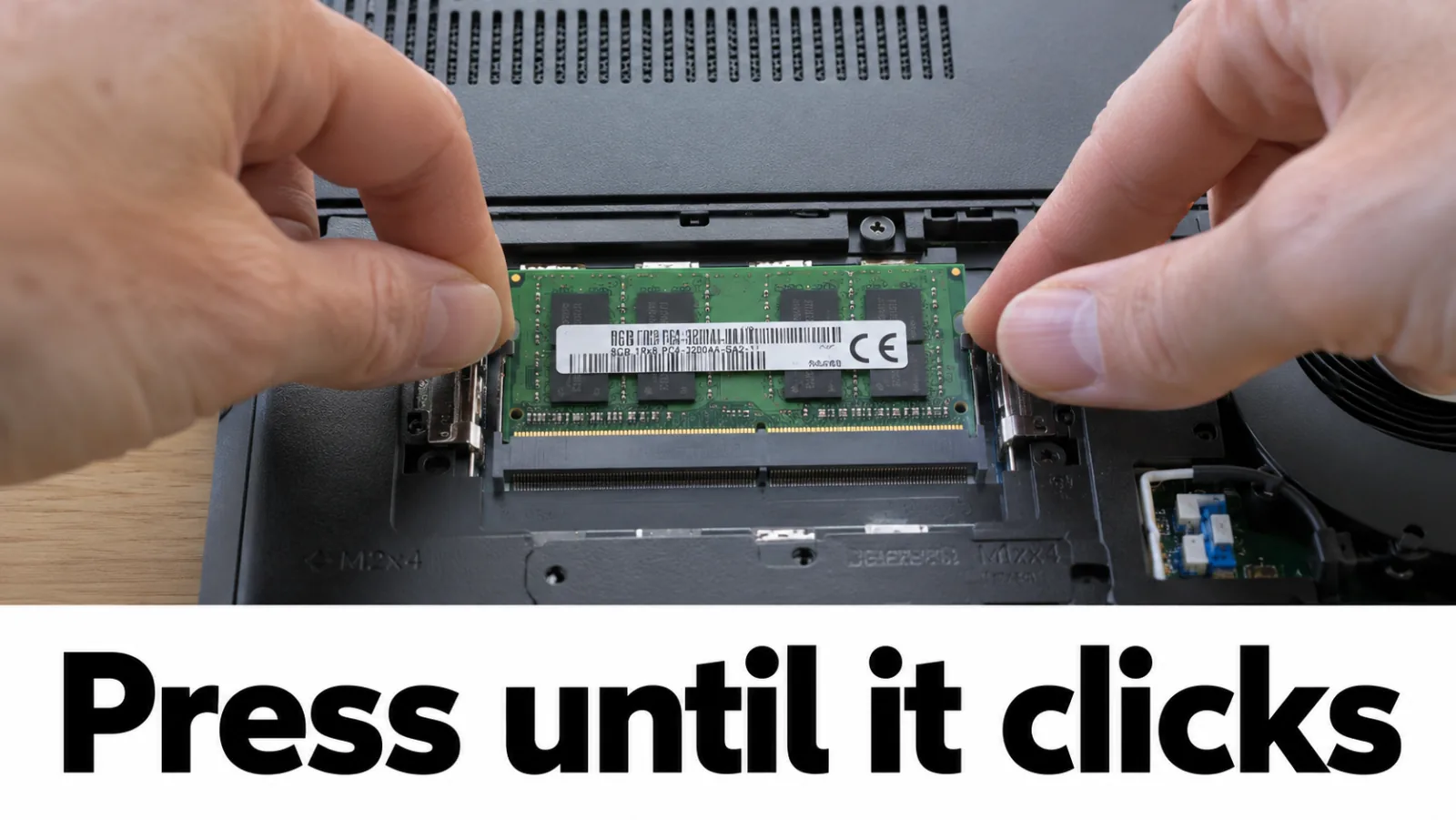
Step 3. Reseat each SODIMM
Push the side clips outward and lift each module out at its natural angle. If contacts look dusty, wipe gently with a clean dry lint-free cloth — no liquids. Reseat until both clips snap. If still dark after reassembly, retry with a single module in the primary slot shown in the manual.
Step 4. Reassemble and test video
Close the cover, reconnect power (and battery), then power on. Test the built-in panel and repeat the external monitor test. If either display returns, continue the matching branch on the diagnosis tree.
After testing
Still no video anywhere? Use OEM onboard diagnostics (for example HP Hardware Diagnostics via Esc → F2 on many HP models, or Dell support diagnostics for your service tag) and prepare for authorized service. Do not download third-party “memory fixer” or DLL tools.
FAQ
Why reseat RAM for no display?
Loose or poorly seated memory often spins fans and lights LEDs without posting video to any display. OEM blank-screen flows include memory checks before board-level repair.
Should I mix module sizes?
For a first test, try one known-good module in the primary slot marked in the service manual. Return to a matched kit after the machine posts.
External still dark after reseat — LCD?
No. Keep treating it as a system-video path. External dark never proves the internal panel failed. Continue OEM diagnostics or service.