Laptop black screen but power on
The power light is on and the built-in panel is black. Before you follow the no display steps, look for a mouse pointer. A pointer means Windows is already running. No pointer means you still have to test an external monitor.
Pointer or no pointer
- White pointer on a black panel → Windows is up. Restart Explorer. Do not open the memory cover.
- No pointer, but the power light or fans are on → connect an external monitor and record whether it shows a picture.
- No light and no fan → this is not a black screen. Use won't-turn-on triage.
Steps
Step 1. Look for a mouse pointer
Move a mouse or slide a finger on the trackpad. A small white arrow means the desktop loaded and only the shell is blank. No arrow, with the power light still on, is the other branch.

Step 2. Restart Explorer if you see a pointer
Press Ctrl + Alt + Del, open Task Manager, find Windows Explorer, and choose Restart. If the picture returns, stop. If a message says the display driver stopped responding, use that guide. Do not edit TdrDelay.
Step 3. If there is no pointer, test an external monitor
Use the external monitor test. Plug HDMI or DisplayPort straight in, skip docks, and try Windows + P. Write down whether the external screen shows a picture.

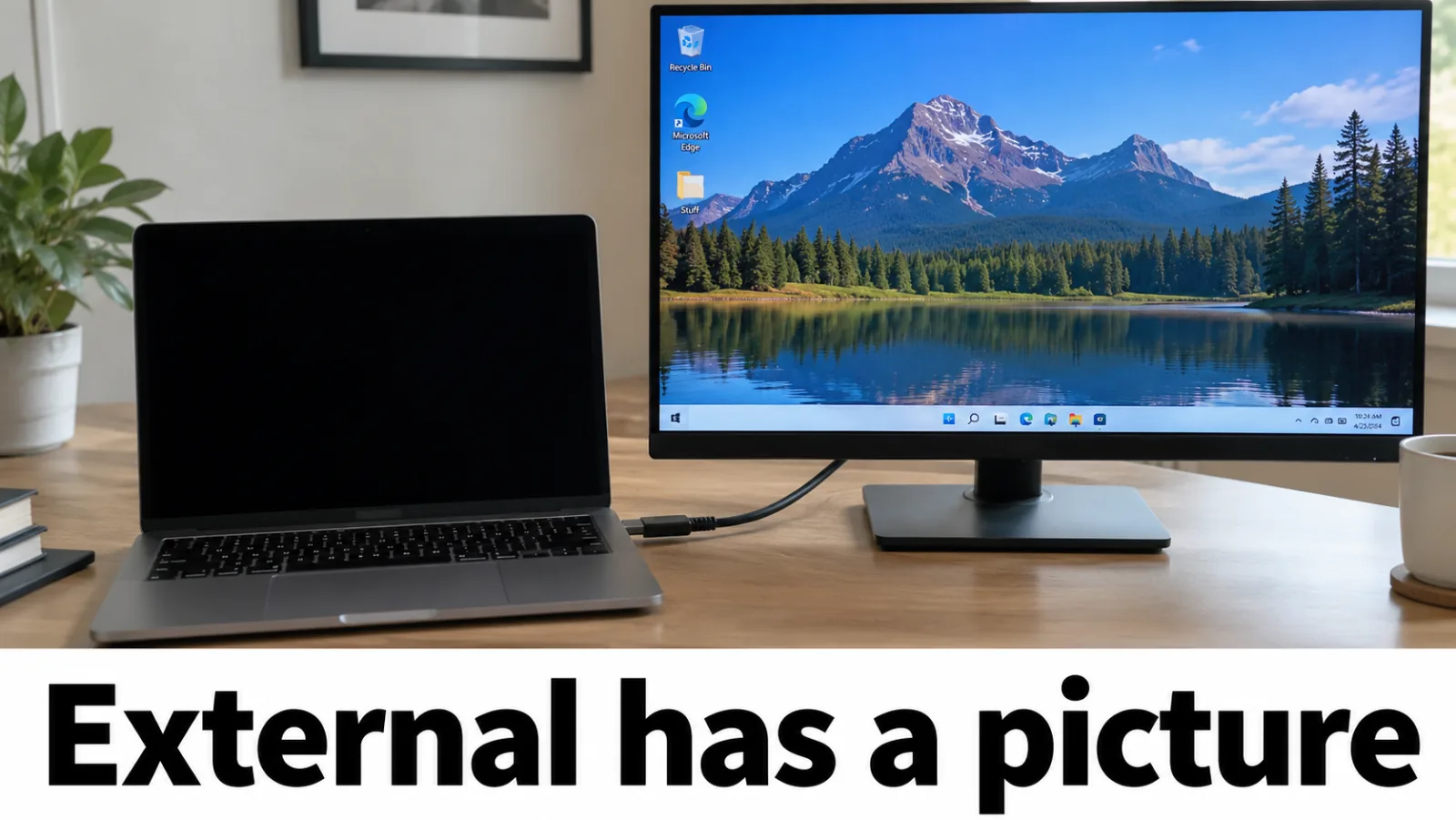
Step 4. External has a picture: backlight path
Continue with backlight and, if a flashlight shows a faint desktop, the display cable. Do not treat a working external monitor as a dead motherboard.
Step 5. External stays dark: leave this page
Both screens are dark, so this is not a black-panel case. Go back to laptop no display but power on for cables, projection mode, the graphics reset, and RAM reseat. A dark external monitor does not prove the laptop LCD failed.
FAQ
Is a black screen different from no display?
Yes, when a mouse pointer is visible. That means Windows is up and the desktop shell failed. No display also covers a monitor that says no signal, or a machine with power but no pointer at all. Split those before you open the laptop.
I see a mouse pointer on a black screen. What now?
Press Ctrl+Alt+Del, open Task Manager, and restart Windows Explorer. If that fails, start Safe Mode and roll back the display driver. Do not reseat RAM for a pointer-only black screen.
The panel is completely black and there is no pointer.
If the power light or fans are on, connect an external monitor. A picture on that monitor means the backlight or internal cable path. A dark external monitor means you should leave this page for the main no-display steps.
Should I reinstall Windows immediately?
Not first. A pointer means restart Explorer. No pointer means the external monitor test, then Safe Mode if you can reach it. Reinstall only after those fail.