HDMI no signal from PC
Pairs with the external monitor test when the cable path is the failure point. Microsoft’s external-monitor guide prioritizes docks off, firm cables, alternate ports, then driver reset or rollback. Dell monitor docs also read power-LED colors for “powered but no video.”
What no signal means
“No signal” / “check signal cable” usually means the monitor is powered but is not receiving a usable video stream on the selected input. That can be the wrong input, a bad cable, a dock in the middle, Win+P stuck on PC screen only, or a GPU driver/port issue. It is not proof that the laptop’s built-in LCD failed.
Steps
Step 1. Confirm the monitor HDMI input
Power the monitor and open its OSD input menu. Select the exact HDMI (or DP) jack you plugged into. If the monitor has a power LED, note whether it indicates power-without-signal vs no power at all.

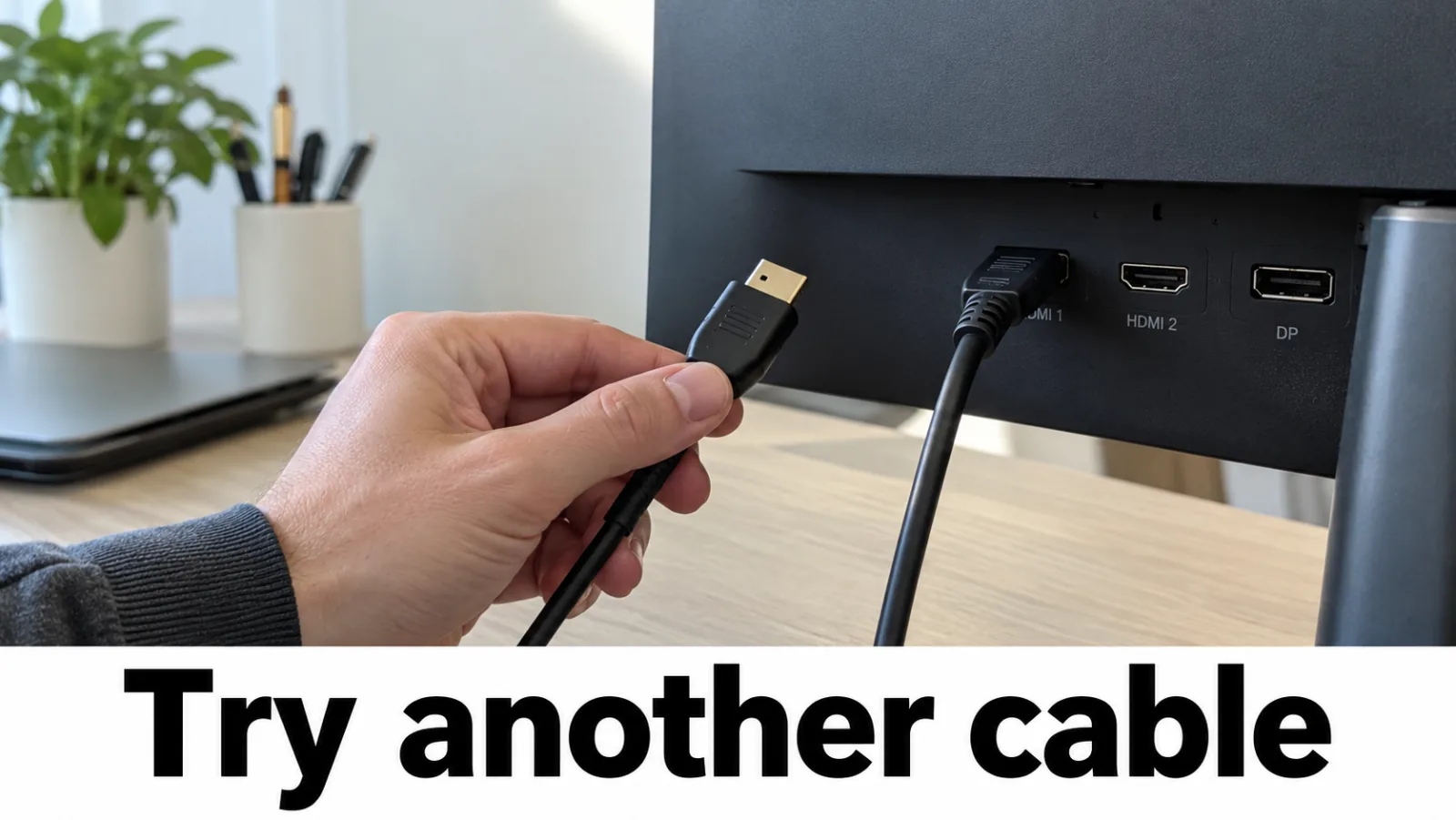
Step 2. Swap the HDMI cable and port
Reseat both ends. Try a second known-good cable. Move to another HDMI or DisplayPort on the PC and on the monitor. If possible, connect this monitor to another computer to prove the panel works.
Step 3. Use Win+P and remove docks
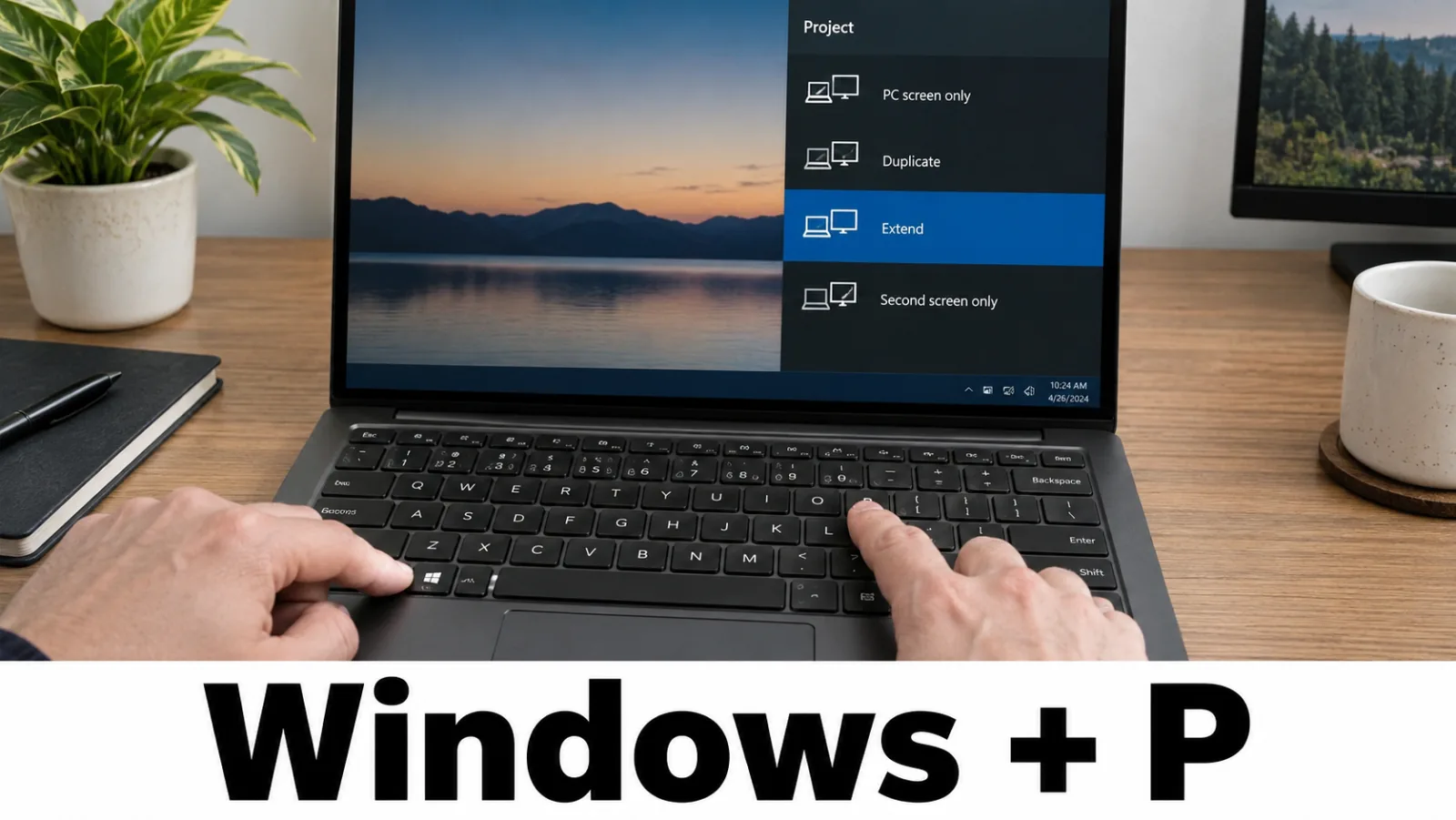
Press Windows + P and try Extend, Duplicate, and Second screen only. Microsoft recommends removing docks and adapters for isolation, then testing a direct cable. USB-C / Thunderbolt docks that carry video should be retested last, not first.
Step 4. Update or reinstall the GPU driver
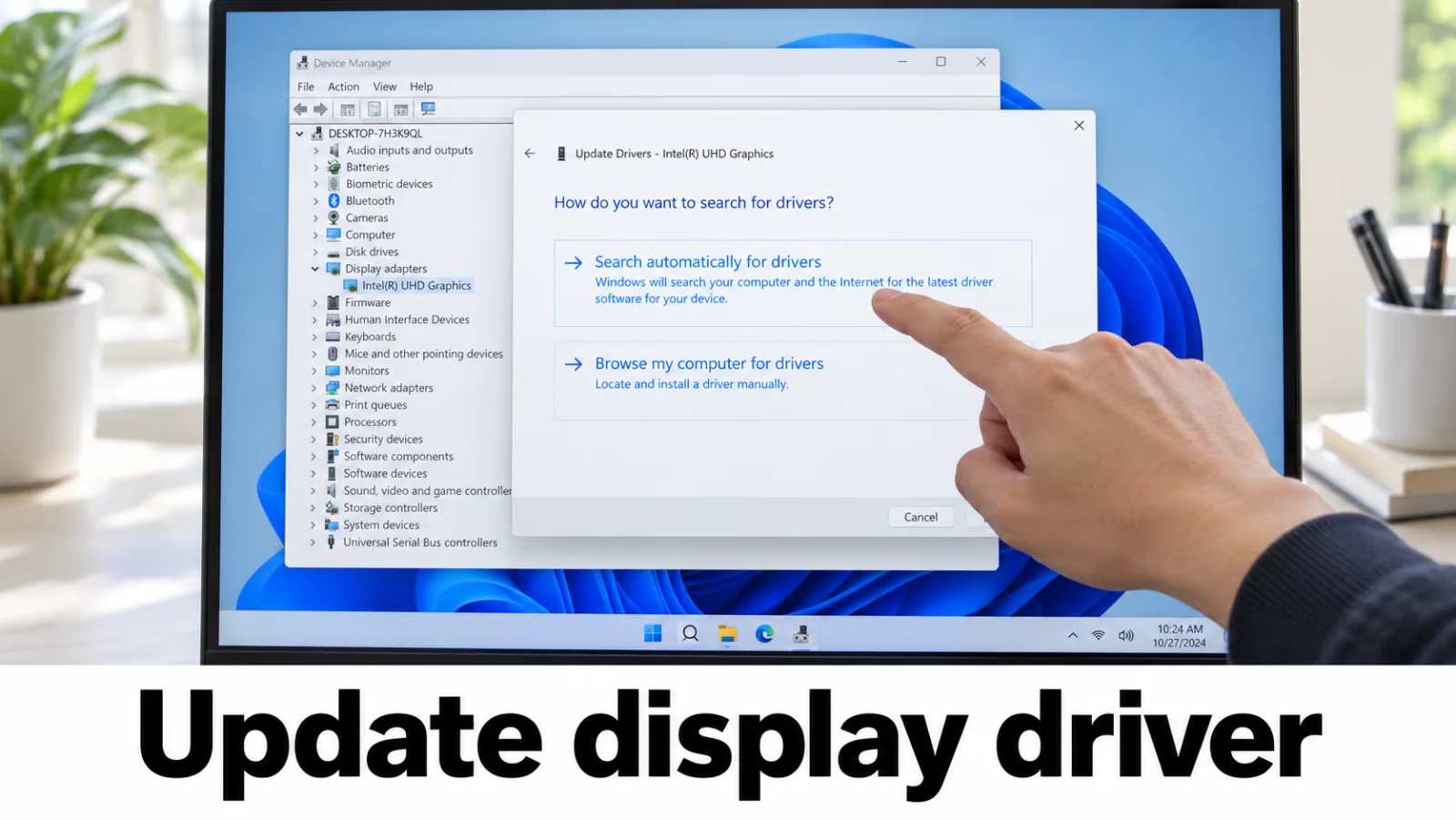
Try Windows + Ctrl + Shift + B to reset the graphics driver. Then update or roll back the display adapter from Device Manager, Windows Update, or the OEM / GPU vendor site for your model. Do not use third-party one-click driver packs or DLL download sites. Mode errors: input not supported, out of range.
FAQ
Laptop HDMI no signal but the built-in screen works?
Focus on the HDMI port, cable, dock, and projection mode. The panel path is already healthy.
Related OSD errors?
When the monitor complains about the video mode or the range instead of no signal, use the input not supported guide or the out of range guide.
No signal on every cable — is the laptop LCD dead?
Not from this symptom alone. No signal is about the link to that monitor. If the built-in panel is also dark, run the external test branch rules on the diagnosis tree.